From Passwords to Passkeys: Why 2027 Is the Year to Make the Switch

Nadia Patel
October 19, 2026 · 6 min read
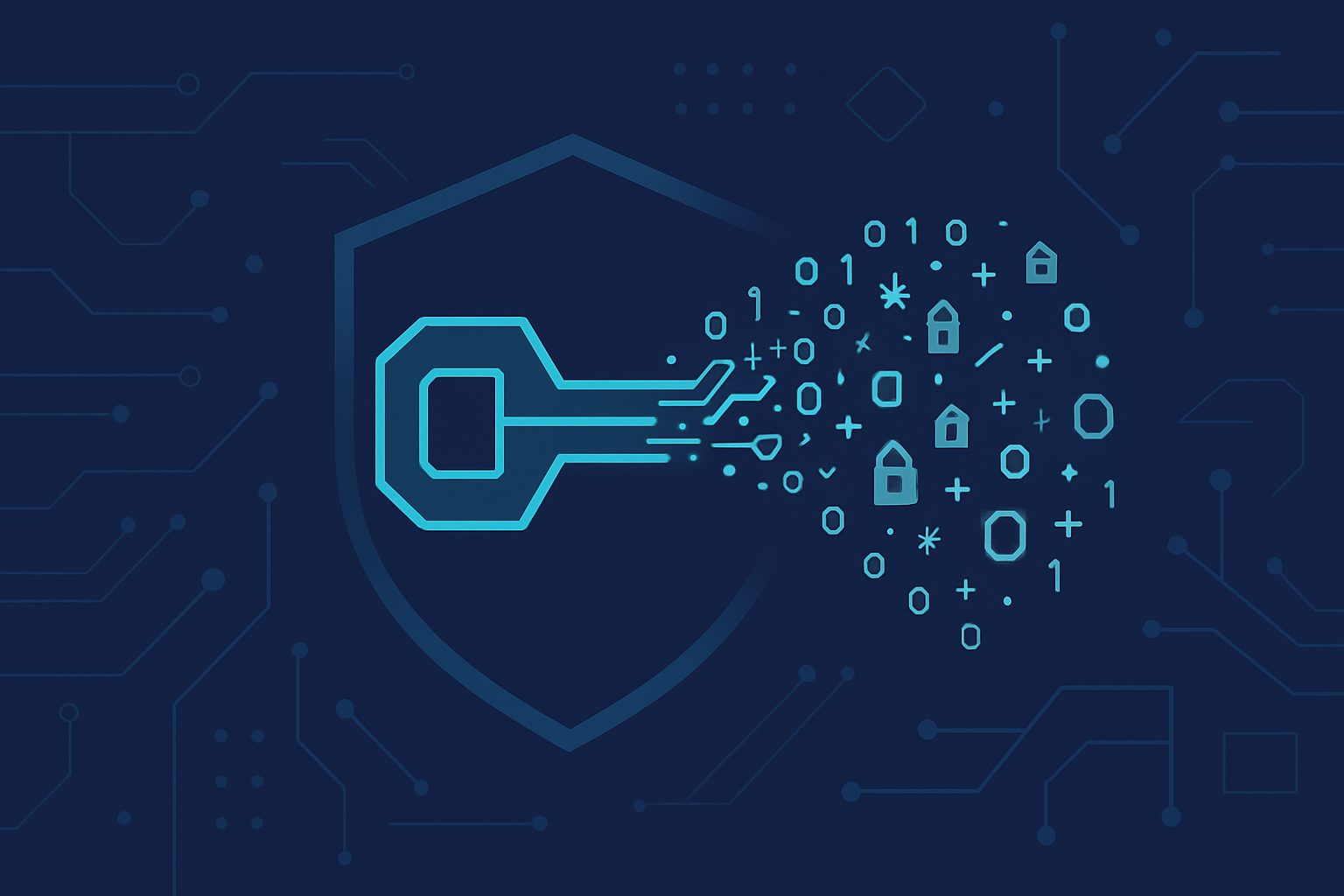
For a quarter-century, passwords have been the thing we complain about but keep using. In 2027, that era is finally ending. Passkeys — cryptographic credentials bound to the device that holds them — have crossed from a consumer novelty into a genuinely enterprise-ready authentication method, and the business case for starting a migration this year is clear.
What a Passkey Actually Is
A passkey is a FIDO2/WebAuthn credential: a cryptographic key pair where the private key stays on your device (or in a trusted cloud vault) and the public key gets registered with the service you’re signing in to. When you authenticate, your device signs a one-time challenge from the service with the private key. The service verifies it with the public key. No shared secret ever leaves the device.
Three properties follow from that design, and they’re the ones that make passkeys matter:
- Nothing to steal in bulk. There is no reusable secret for a server-side breach to leak. The private key never leaves the device; the public key is useless to attackers.
- Nothing to phish. The browser cryptographically verifies the domain before using the key. A lookalike site cannot trick the user or their device into handing over anything useful.
- Nothing to type. The user experience is a biometric prompt or device PIN; there is no password to remember, rotate, or paste.
Why Passkeys Defeat Phishing
The most important fact about passkeys is not that they’re more convenient — it’s that they are structurally resistant to the attack class that has been bleeding businesses for two decades.
Credential phishing works because the user and the attacker both know the shared secret. The attacker tricks the user into handing it over on a lookalike page, and from there, it’s a replay. Even MFA via SMS or push notification doesn’t fully break this — adversary-in-the-middle toolkits like Evilginx and its many successors have made real-time MFA interception commodity-grade.
Passkeys break the model at the root. The browser performs an origin check and refuses to produce an assertion for the wrong domain. There is no secret for the user to leak, and no one-time code for the attacker to relay. Every major vendor independent assessment, every major insurer’s underwriting guidance, and every major framework update in the last year has reached the same conclusion: passkeys are phish-resistant in the way SMS and app-push MFA are not.
What’s Possible Today
You can already deploy passkeys at business scale in all three of the dominant workplace identity ecosystems.
Microsoft Entra ID
Entra supports device-bound passkeys via Windows Hello for Business, and FIDO2 security keys for cross-device scenarios. Microsoft Authenticator added support for synced passkeys over the last year, with configurable attestation and tenant-level controls. Conditional Access can now require phish-resistant authentication for specific roles, applications, or risk conditions — which is the policy you want for anyone with privileged access.
Google Workspace
Workspace supports passkeys for all users and provides admin controls for enforcement and recovery. Google Advanced Protection extends the posture for executives, finance, and other high-value roles.
Okta, OneLogin, and the broader SSO landscape
FIDO2/WebAuthn is now first-class in every major identity provider. If your SaaS portfolio is federated through SSO, enabling passkeys at the IDP typically enables them everywhere downstream — without touching the individual applications.
The Hard Parts (and They’re Real)
Passkeys are not magic. The migration has real friction and real decisions.
- Device enrollment and recovery. Passkeys are tied to devices. Lost or replaced phones, laptops, and security keys need a recovery path that isn’t itself phishable. This is where most of the design time goes.
- Shared accounts. Shared logins (reception desks, lab workstations, service accounts) don’t fit the passkey model cleanly. Most of these should have been eliminated anyway, but the migration surfaces them.
- Legacy applications. Anything that still uses legacy authentication protocols — basic auth, LDAP binds, non-federated SaaS — needs to be retired, upgraded, or isolated.
- Cross-device authentication. “I need to sign in to my work laptop with the passkey on my phone” works, but requires either Bluetooth proximity (CTAP 2.2) or synced-passkey infrastructure. Decide which flavor you’re committing to.
- Vendor variance. Not every SaaS supports passkeys yet. Build a tracker so you can push vendors to adopt and so you know where you still rely on fallbacks.
A Phased Migration Plan
A pragmatic SMB migration happens in four phases over several months. None of them require ripping out passwords on day one.
Phase 1 — Phish-Resistant for Administrators
Require passkeys or hardware FIDO2 keys for every account with elevated privilege: global administrators, security administrators, finance administrators, help-desk-reset roles. These accounts are the attackers’ preferred target and the easiest to secure first. Enforce via Conditional Access.
Phase 2 — Opt-In for All Users
Enable passkey registration for the general user population. Communicate what it is, why it matters, and how to set it up. Train the help desk on recovery flows. Expect uneven adoption; that’s fine.
Phase 3 — Default for High-Risk Workflows
Require passkeys for specific sensitive actions — finance tools, HR systems, VPN, or any application whose compromise would be material. The user population now splits: those who’ve adopted passkeys get a frictionless experience, those who haven’t get prompted when they hit a protected action.
Phase 4 — Default for Everyone
Make passkeys the required authentication method for the entire tenant, with passwords retained only for narrowly-defined fallback scenarios. By this point, most users are already on passkeys voluntarily, and the switch is uneventful.
Recovery Design — Don’t Skip This
The single most common passkey rollout failure is designing great registration flows and no recovery flows. The questions that have to be answered before go-live:
- How does a user register a replacement device after loss or theft, and how is their identity verified in that process?
- How does the help desk perform an identity-verified reset without becoming the new phishing target?
- How many passkeys per user, and what mix of device-bound and synced?
- What is the fallback for a user traveling without their primary device?
- How are offboarded users’ passkeys revoked, and how do you prove it?
Written answers — and a tested runbook — are what separate a successful rollout from a help-desk fire.
Bottom Line
Passkeys are not a 2029 technology anymore. They are production-ready, enterprise-supported, and already enforced inside a growing share of serious businesses. For an SMB in 2027, the right posture is to start with administrators, extend to high-risk workflows, and plan the broader transition over the following year. The organizations that make the switch deliberately will spend the second half of the decade immune to the attack class that has dominated the first half. The ones that don’t will spend it explaining why they didn’t.
Brightworks IT helps clients plan and execute passkey migrations — including the Conditional Access policy design, device management, help-desk training, and recovery runbooks. Get in touch for a phased rollout plan.
How BrightWorks IT can help
Local IT support from our offices in Richmond, VA, Vernon & Hartford, CT, Hudson Valley, NY, Oneonta, NY, Southeast Michigan, Southern California.
Need Help With Your IT?
Schedule a free, no-obligation IT assessment with our team. We'll show you exactly where your technology stands.
Written by
Nadia Patel
Nadia covers cybersecurity, cloud infrastructure, and IT strategy for growing businesses. With a background in enterprise technology and a passion for clear communication, she helps business leaders understand the technology decisions that matter most.